Creative Tech
Take sharper photos with a phone
Clean the lens and hold the device steadily while choosing a clear focus point.
Clear explanations. Practical next steps. 48 ways to get more from your tech.
Clean the lens and hold the device steadily while choosing a clear focus point.
Move the subject near a window and avoid mixing very different light sources.
Prioritize comfortable controls and lens availability for the subjects you plan to photograph.
Observe how shutter time and aperture and sensitivity affect the image.
Use a faster shutter time when the subject moves and add light when possible.
Select a focus mode appropriate to whether the subject stays still or moves.
Compare field of view and close focusing distance with the subjects you actually shoot.
Use caps and a clean bag and remove loose dust with appropriate tools.
Label cards and copy files into a clearly named project folder.
Adjust exposure and color balance before applying strong stylistic effects.
Compare editing flexibility with storage needs and sharing convenience.
Choose dimensions appropriate to the display area and compare compression visually.
Confirm the print size and crop and use the printer service requirements.
Use a consistent viewing environment and avoid extreme display modes.
Move the microphone closer while keeping it out of the direct air stream.
Compare connection type and pickup behavior with your actual room.
Move away from bare reflective surfaces and add soft furnishings where practical.
Set the recording level using your normal loudest speech and leave headroom.
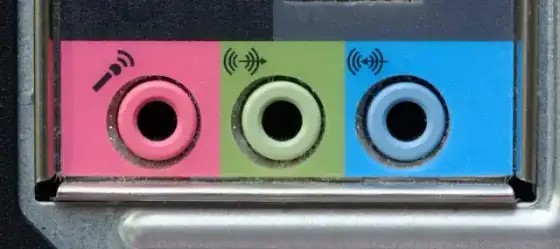
Select the correct input device and check the physical connection and input level.
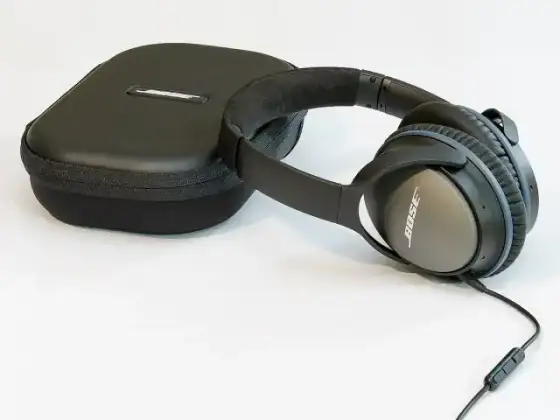
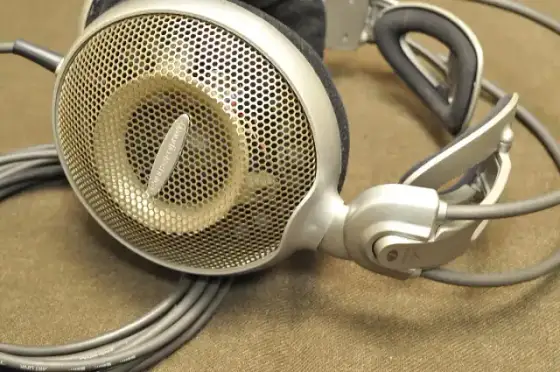
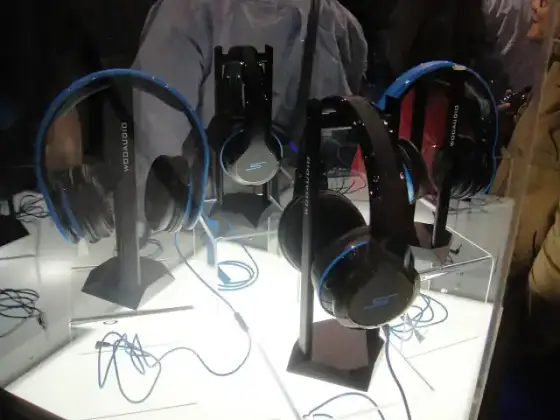
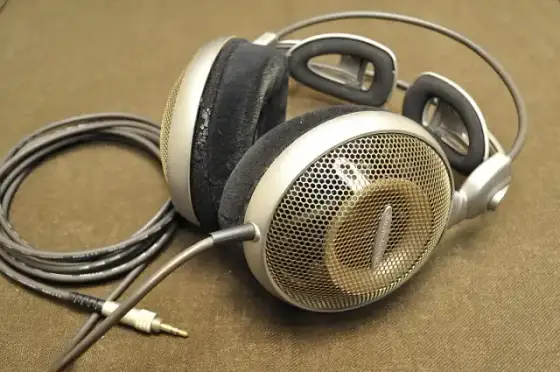
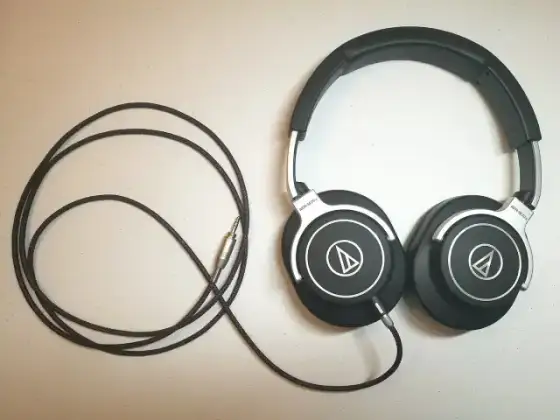
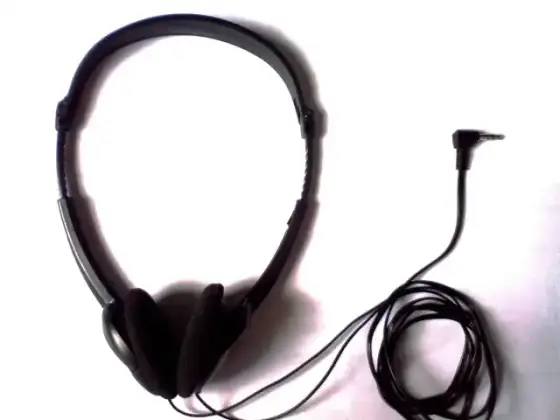
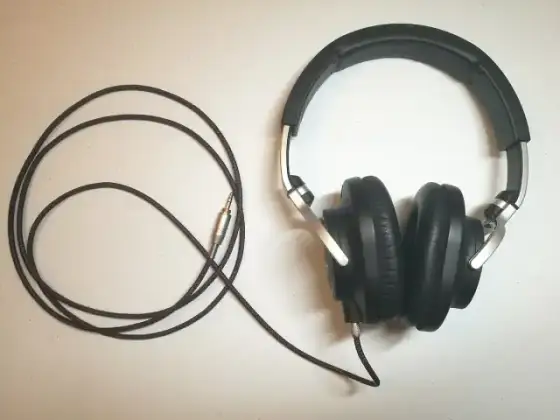
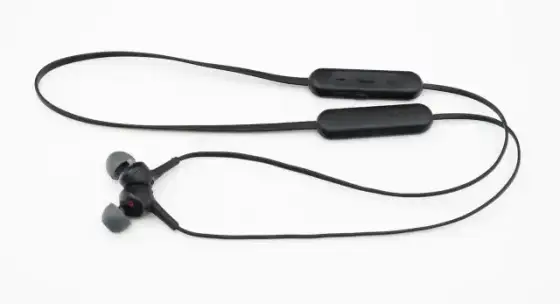
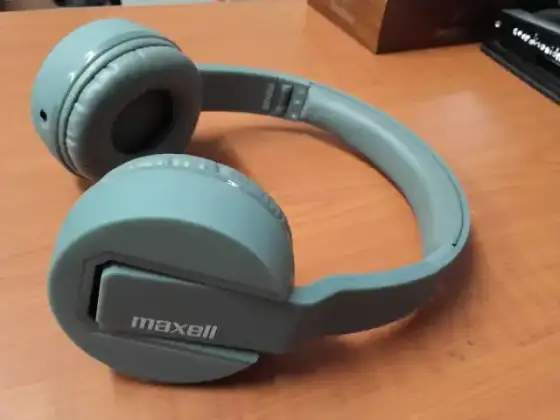
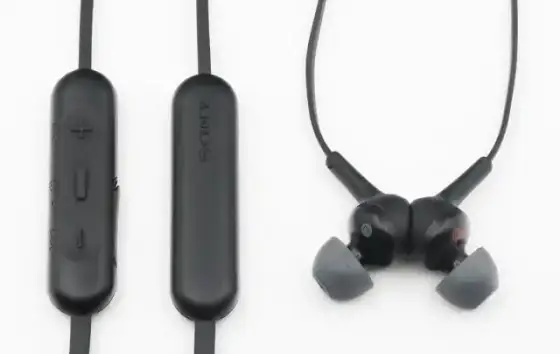
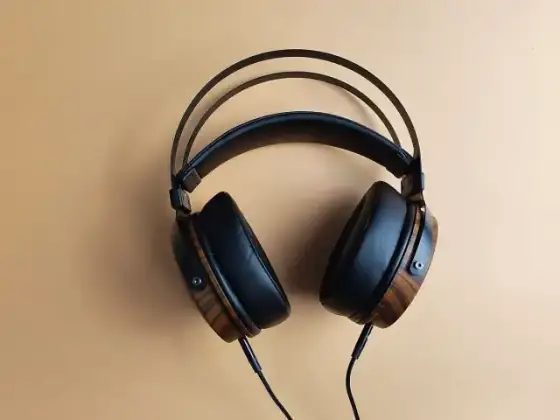
Compare comfort and connection stability during a normal work session.
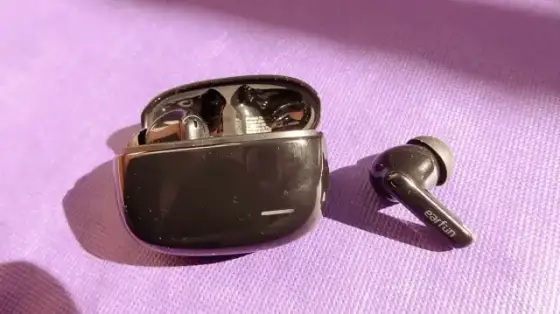
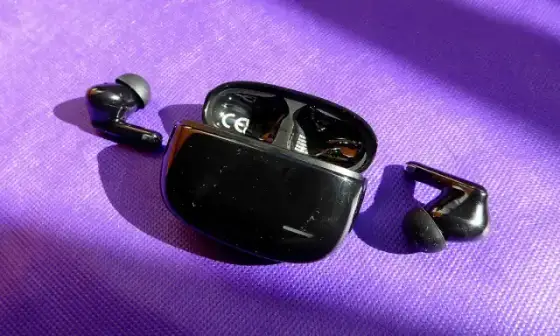
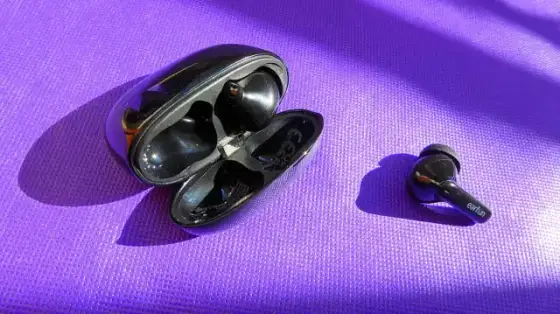
Test performance against the type of background sound you encounter.
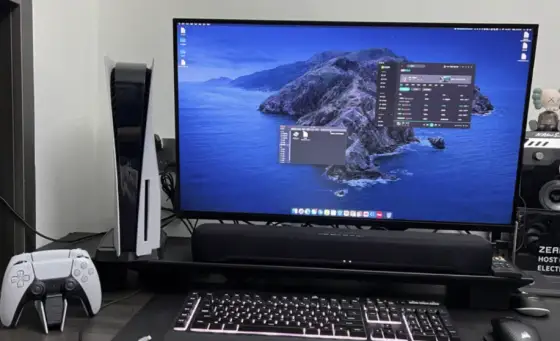
Place the speakers symmetrically and keep them clear of objects that block sound.
Plan the task and capture only the screen area needed to explain it.
Match the output resolution to the platform and the detail viewers need.
Choose a rate suited to the subject and intended playback platform.
Place a soft light source in front of you and avoid a bright window behind your head.
Use a safe stable support and avoid touching the camera during a slow exposure.
Check load capacity and the stability of the complete setup with the intended lens.
Use a reliable reader or supported cable and copy files into a known project folder.
Make a first pass for technical failures and a second pass for meaningful images.
Choose the crop based on the final display shape and the subject position.
Preserve the aspect ratio when changing dimensions.
Read the specific image license and preserve the source and attribution details.
Describe what matters for understanding the image in its page context.
Use a format supported by the editing and sharing tools in your workflow.
Separate source media and project files and export folders.
Compare a short test export at the intended viewing size.
Use accurate text and enough on screen time for comfortable reading.
Explain meaningful visual actions aloud and provide captions where possible.
Use a compatible windscreen and position the microphone away from direct airflow.
Keep the background simple and remove private documents from view.
Compare the final detail with a simple crop from the original image.
Use even light and a clean background and keep the camera position consistent.
Face the board directly and avoid reflections that hide writing.
Pack only compatible equipment you have tested together.
Compare color support and resolution with your output requirements.
Inspect the waveform and listen to loud sections for harsh distortion.
Collect linked assets and include a simple explanation of folder structure.