Connectivity
Improve your home Wi Fi coverage
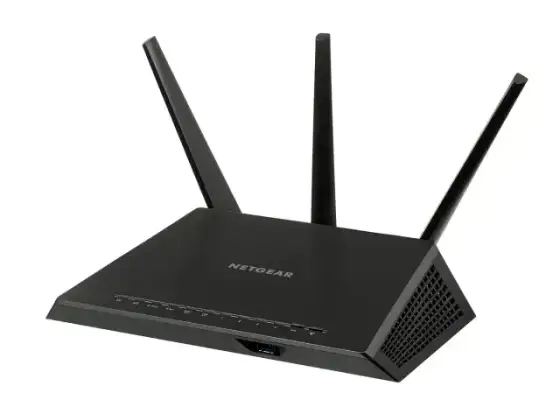
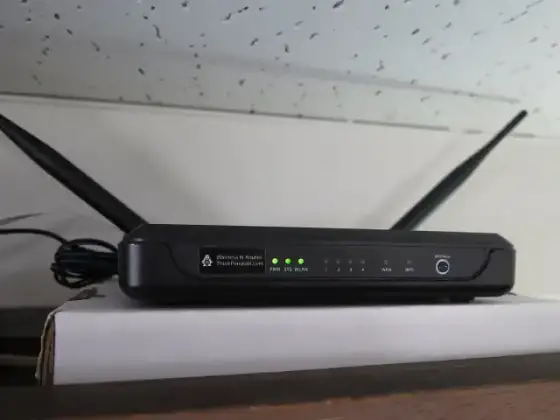
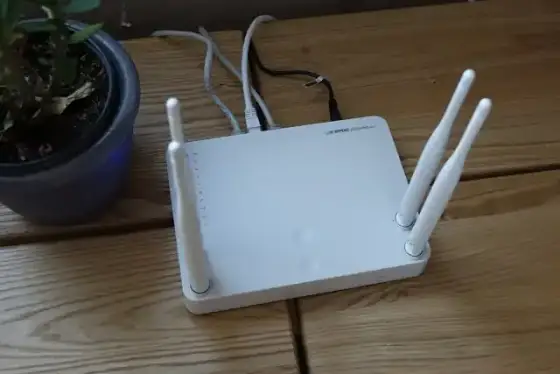
Place the router in an open central position away from large metal objects.
Clear explanations. Practical next steps. 54 ways to get more from your tech.
Place the router in an open central position away from large metal objects.
Place satellite units where they can still receive a strong connection to the main unit.
Compare a wired connection with a wireless connection using the same device.
Enable the router guest network and choose a different password from the main network.
Compare range and congestion for the bands supported by your router and device.
Use a cable category suitable for the network speed and cable length.
Run a test with large background transfers paused and note the connection type.
Test whether the problem changes on a wired connection and close large uploads.
Identify which device connects to your provider and which manages the local network.
Follow provider instructions and allow each device time to reconnect.
Use the local router management interface and save a unique password securely.
Check the exact hardware version and use the manufacturer supported update method.
Select the strongest encryption mode supported by your required devices.
Move the router away from crowded electronics and inspect nearby network congestion.
Confirm the network password and check whether the device supports the configured security mode.
Separate the job of finding a site address from the connection to the site itself.
Review privacy practices and compatibility with any filtering you need.
Compare the exact address on another browser and inspect the error message.
Compare response time consistency during calls and games rather than focusing only on bandwidth.
Evaluate a properly installed cable before relying on a distant wireless signal.
Count the wired devices and match port speed to the equipment you own.
Use a compatible Ethernet adapter and verify that the operating system recognizes it.
Keep the built in firewall enabled and review any exceptions deliberately.
Use a supported service with strong authentication and minimal exposed ports.
Use a trustworthy provider and remember that a VPN does not make malicious sites safe.
Confirm the network name with the venue and avoid unexpected software installation prompts.
Check the accommodation rules and configure a unique administrator password before travel.
Use the manufacturer setup process and keep the printer on a network your computer can reach.
Check whether the device uses local control or depends on a cloud service.
Record router and switch connections and identify important devices by role.
Distinguish the local address assigned to a device from the address visible to internet services.
Reserve an address through the router rather than guessing an unused static address.
Return a client to automatic address assignment while checking router reservations.
Match coverage and device support to the actual floor plan.
Create temporary guest credentials and test internet access before visitors arrive.
Use provider and router counters with attention to the measurement period.
Test a direct wired connection where possible and inspect available wireless signal.
Check the negotiated link rate in the device network settings.
Compare how each option connects to the main router and handles roaming.
Check power and cable placement and allow the equipment to reconnect.
Identify which traffic matters and read the router implementation details.
Test video calls and file uploads from the actual desk position.
Check indoor carrier coverage and your plan data limits.
Open a normal browser window to complete the venue official network sign in.
Check device distance and supported frequency bands in the manufacturer documentation.
Save the current configuration and confirm that you have provider connection details.
Confirm that devices are on the intended trusted network and that discovery is allowed.
Plan for coverage in occupied rooms and a reliable connection back to the router.
Use unique credentials and install supported firmware updates.
Look for events that match the time of a real connection problem.
Record the affected devices and whether local connections still work.
Inspect the cable path and test a known working cable between the same two network ports.
Check the laptop available ports and operating system support before choosing a compatible wired network adapter.